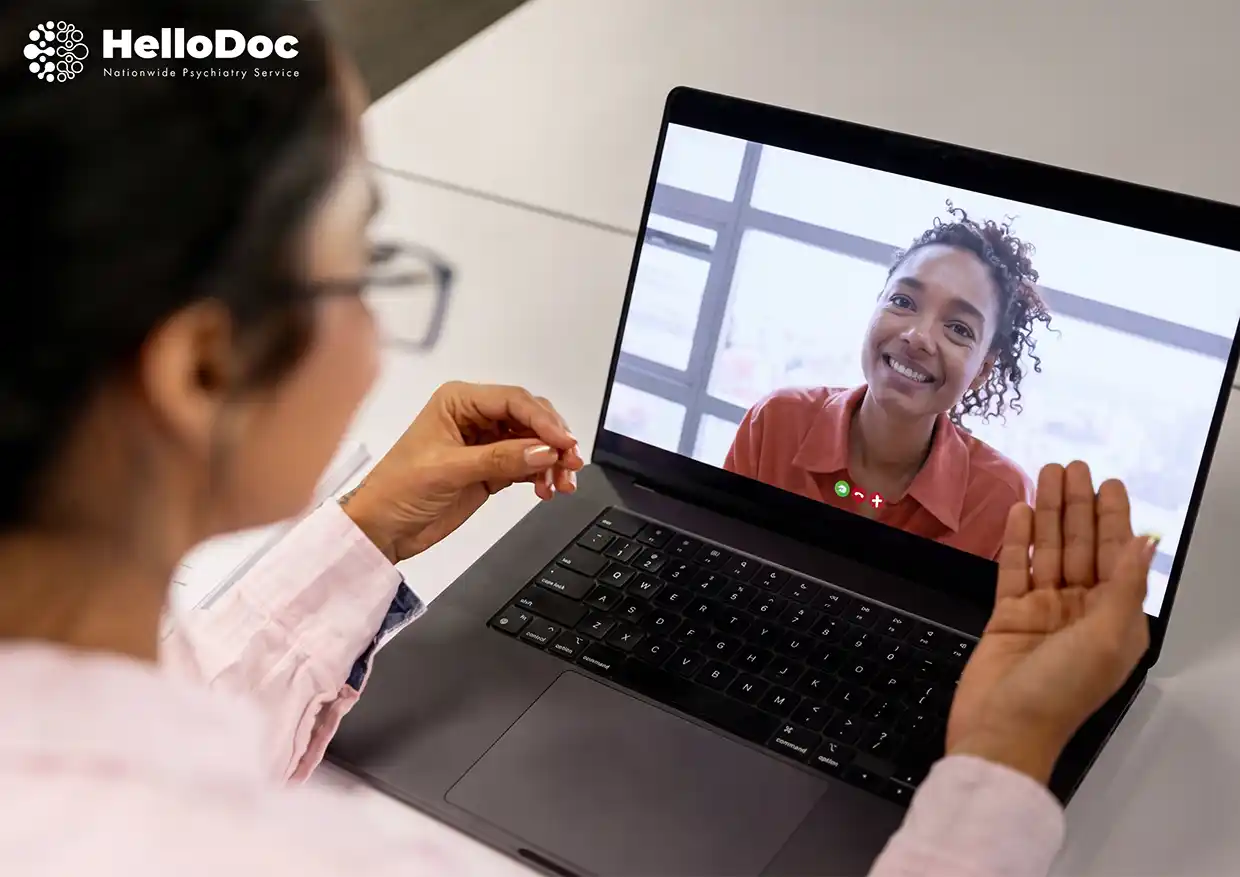
Knowing how to prepare for a telehealth appointment takes much of the stress out of a first session with a psychiatrist, psychologist or ADHD coach. If you can video call a friend or family member, you can do a telehealth mental health appointment.
These telehealth appointment tips cover your technology, your privacy, what to have ready, and what to do if something goes wrong. It’s written by HelloDoc, an Australian telehealth psychiatry service.
Key points
- Test your device, camera, microphone,net and internet the day before.
- Choose a private space, and use headphones so only you hear the clinician.
- Have your ID, Medicare card, medication list and questions ready.
- Keep your phone and a written crisis number nearby in case video drops.
- Telehealth isn’t for emergencies. In an emergency, call 000.
These telehealth appointment tips cover your technology, your privacy, what to have ready, and what to do if something goes wrong. It’s written by HelloDoc, an Australian telehealth psychiatry service.

Video consultation checklist: how to prepare for a telehealth appointment
Before a telehealth visit, test your device and connection, choose a private space, and gather your ID, Medicare card, medication list, and questions. Join five to ten minutes early, with headphones in, notifications off, the clinic’s phone number and a crisis line within reach.
The day before
- Charge your device or keep it plugged in
- Open your appointment link and run a test call
- Choose your private space
- Gather your photo ID, Medicare card, medication list, and notes
- Keep a phone nearby as a back-up
On the day
- Log in 5 to 10 minutes early
- Put headphones in; turn on Do Not Disturb and close extra tabs
- Keep water, tissues, or a comfort item nearby
- Write down the clinic’s phone number and a crisis line
- Leave 10 to 15 minutes of buffer time before and after
How do I set up my device and connection?
You need a device with a camera, microphone, and speaker, a current browser or app, and a steady internet connection. Test everything the day before so there are no surprises.
- Allow camera and microphone permissions when asked
- Use Wi-Fi where possible. Mobile data works but uses your allowance
- Close other apps and pause downloads to keep the connection stable
Camera, light and sound tips
Place the camera at eye level and put the light in front of you, not behind. Use headphones with a microphone, choose a quiet room, and turn on Do Not Disturb so calls and messages don’t interrupt.
Joining on a phone vs. a computer
On a phone, rest it on a stand in landscape rather than holding it, and plug it in. Install any required app in advance. On a computer, use the browser your provider recommends, close other tabs, and check that the correct microphone is selected.
How do I keep my session private at home?
Pick a room with a door you can close. A parked car or a booked meeting room also works. Tell people you live with that you’re unavailable, and wear headphones so only you can hear the clinician.
If someone walks in, pause, tell the clinician, or switch to typed answers in the chat if available.
Is telehealth private?
Yes. Clinicians use secure video platforms and sit in a private space themselves. The same confidentiality rules apply as for in-person care. Don’t record the session without asking first.
What should I have ready?
Have your photo ID, Medicare card, referral details if asked, a list of current medicines and doses, any previous reports or test results, notes on your symptoms, and the questions you want answered. Sort out payment and rebate details beforehand.
Why does my clinician check my ID and location?
Your clinician will confirm your name and date of birth, ask where you are right now, and confirm an emergency contact. This is standard safety practice so they know where to send help if needed. It doesn’t mean anything is wrong.
How do I prepare for a telehealth psychiatry appointment?
Bring a full medication history, including what has and hasn’t worked, plus past diagnoses, reports, and any questionnaires you were sent. A support person can join if you’d like. For a child or teen, explain the parent’s role and that part of the session may be one-on-one.
For eligibility and referrals, see how to access telepsychiatry in Australia.
What happens on the day of my appointment?
Join early. You may wait in a virtual waiting room, and it’s normal for a clinician to run a few minutes late. Speak up if you can’t hear or see clearly, or if you need a break. Afterwards, take time to note the plan before returning to work or family.
HelloDoc patients receive a secure video link and an SMS reminder the day before.
First appointment vs follow-up
A first assessment is longer and covers your history, so have documents ready and expect detailed questions. A follow-up or medication review is shorter and focuses on what has changed since last time.
What if the call drops?
Rejoin using the same link, refreshing the browser or restarting the app. Keep your phone nearby, because the clinician will usually call you back.
- Rejoin with the same link.
- Answer your phone if the clinician calls
- Turn video off to keep audio stable, or finish by phone
- If you can’t reconnect, contact the clinic to reschedule
Telehealth by video or phone: what's the difference?
Video lets the clinician see you and is usually preferred for assessments. Phones can suit simple follow-ups or a poor connection.
Video | Phone | |
Best for | Assessments, first appointments | Some follow-ups, poor connection |
Clinician can see you | Yes | No |
Medicare | Separate video items | Separate phone items, generally for when video isn’t available |
Medicare treats video and phone appointments as separate services. Ask your clinic which applies to your appointment and what the rebate will be.
Is telehealth as good as in-person care?
For many people and many conditions, telehealth works as well as in-person care. Some situations still need face-to-face care, such as physical examinations or certain tests, which your GP can arrange.
FAQs
What should I do before a telehealth appointment?
Test your device, charge it, pick a private space, and gather your ID, Medicare card, medication list,t and questions. Log in 5 to 10 minutes early with headphones in and a back-up phone nearby.
What equipment do I need?
A phone, tablet, or computer with a camera, microphone, and speaker, plus a stable internet connection. Headphones help with privacy and sound quality. No special equipment is needed.
Do I need to show ID?
Your clinician will usually confirm your identity at the start, often by asking for your name and date of birth. Have photo ID and your Medicare card handy in case they ask.
Can someone join me?
Yes. A partner, family member, carer or support person can join if you’re comfortable. Let your clinician know at the start so they can introduce themselves and check you’re happy.
How early should I log in?
Join 5 to 10 minutes early. This leaves time to fix any sound or camera problems and settle in. You may wait in a virtual waiting room until your clinician is ready.
Can I do it from my car or work?
Yes, if the space is private and your connection is reliable. A parked car or booked meeting room can work. Never join while driving, and avoid open-plan areas where others can hear.
Is there anything I shouldn’t say?
No. Honest answers help your clinician give you the right care, and they’re there to help, not to judge. If something feels hard to say, tell them that.
What happens if the call drops?
Rejoin with the same link and keep your phone nearby for a call-back. If video keeps freezing, switch it off or finish by phone. If you can’t reconnect, contact the clinic to reschedule.
How do I keep my session private?
Use a closed room or parked car, wear headphones, and tell others you’re unavailable. Clinicians use secure platforms, and the same confidentiality rules apply as in person.
Is telehealth as good as in-person?
For many people, it works as well. Some situations, such as physical examinations or certain tests, still need face-to-face care, which your GP can arrange.
Final thoughts
Many people find that once the call begins, a telehealth appointment feels much more comfortable and straightforward than they initially expected. You can speak with your doctor from a familiar environment, without the added stress of travelling to a clinic or sitting in a waiting room.
A little preparation can help you feel more at ease: choose a quiet, private space where you can speak openly, keep any relevant medical documents or medication details nearby, and jot down the questions or concerns you would like to discuss. You don’t need to have everything perfectly organised; simply knowing what you want to talk about is a good place to start.
Telehealth appointments are booked in advance and are not suitable for medical or mental health emergencies. If you or someone else is in immediate danger, call 000 in Australia. For urgent mental health support, contact your local mental health triage service.
HelloDoc (Disclaimer and Liability Terms)
HelloDoc aims to connect users with psychiatry professionals. However, we do not guarantee the accuracy, reliability, or completeness of the information shared. The platform does not warrant any professional medical advice, diagnosis, or treatment. All services are offered “as-is,” and users must assess their relevance independently.
HelloDoc is NOT an emergency response platform. All consultations are by appointment only. If you are experiencing a mental health crisis, please seek immediate assistance from emergency services.
For Mental Health Emergencies in Australia, contact:
- Lifeline: 13 11 14
- Beyond Blue: 1300 224 636
- MensLine Australia: 1300 789 978
- Suicide Call Back Service: 1300 659 467
- Veterans and Veterans Families Counselling Service: 1800 011 046
The information on this website, including blog posts, is for general informational purposes only and is not meant to replace or substitute for professional medical advice, diagnosis, or evidence-based treatment. Always consult a qualified healthcare provider for any medical condition or health-related questions. By continuing to use HelloDoc, you accept these terms and acknowledge that they may change without notice.